Independent app studio
Small apps, made with care.
ItsArt Studios builds focused iPhone apps and games, from a calm pixel coloring book and a group movie picker to a Polish course and a pocket planetarium. No bloat, no dark patterns, just one good idea per app.
6 apps on the App StoreMade for iPhone & iPad
Our apps
Free to download on the App Store.
-
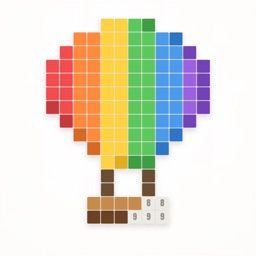
A calm paint-by-number book. Fill in one square at a time and watch detailed pixel scenes take shape, with a daily challenge and soothing sounds. Works offline.
-
Stop scrolling and start watching. Swipe through films alone or with friends in a live party, match on something everyone wants, and see where it's streaming.
-
Learn the Polish words you'll actually use. A two-minute placement check finds your level, spaced reviews keep vocabulary in memory, and graded readings put it to work.
-
Break the doomscrolling habit. Offscroll adds a short pause before distracting apps open, so you choose how to spend your time. Includes app and website blocking and weekly stats.
-
A planetarium in your pocket. Point your iPhone at the sky to identify stars, constellations, planets and satellites, drawn from real astronomical catalogs at up to 120 Hz.
-
An AI chat assistant that remembers the conversation. Ask questions, draft emails, translate, summarise long text, or get code written and explained.


About the studio
ItsArt Studios is a small independent developer making apps for iPhone and iPad. Each one sets out to do a single job well: help you unwind, learn a language, spend less time scrolling, settle on tonight's movie, or find your way around the night sky.
- Privacy first. Most of our apps need no account, and several collect no data at all.
- Works offline. Where it makes sense, everything runs on the device.
- Built to last. We keep updating the apps people use, one release at a time.