Pixel Art Get the app
Color by number for iPhone & iPad

Color by number, one calm square at a time.

Pick a picture, tap a number and fill its squares until the whole scene comes alive. 850+ pictures across 14 worlds, sticker albums to fill, and never a rush.

Free to download Works offline No timers, no pressure
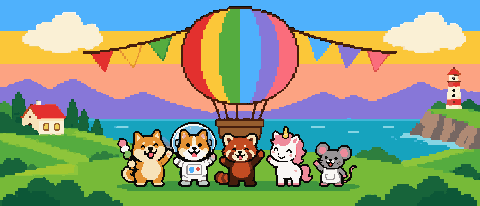
A pixel festival scene with a rainbow hot-air balloon, bunting and five animal friends.

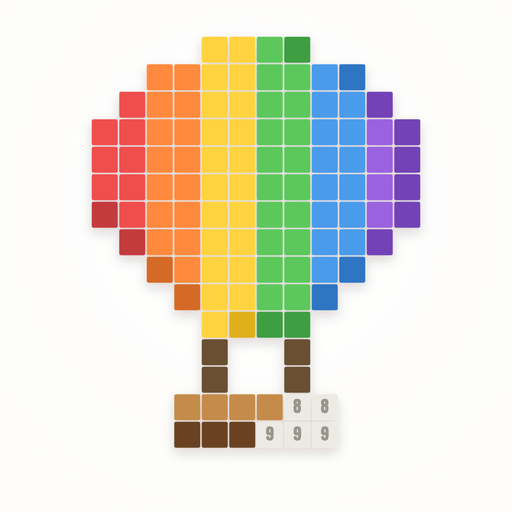
Every square starts grey. Pick its number, and it fills with color.

Finished!

In the app, this earns a star

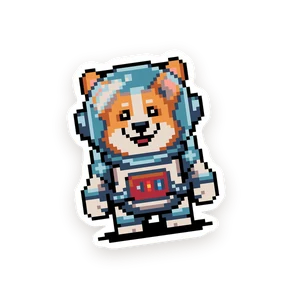
Every finished picture becomes a sticker in your album.

Try it

Color one right here.

These are real quick pictures from the app. No sign-up, nothing to install.

  1. Pick a numberEach color in the palette has a number. Its squares light up on the board.
  2. Tap or drag to fillSweep across the highlighted squares. Only the right ones take the color.
  3. Watch it come aliveFinish every number and the picture is yours. In the app it goes into your sticker album.
Inside the app

Small squares. Big, cozy pictures.

Zoom in, pick a color and let your mind wander. Here's what's waiting in Pixel Art.

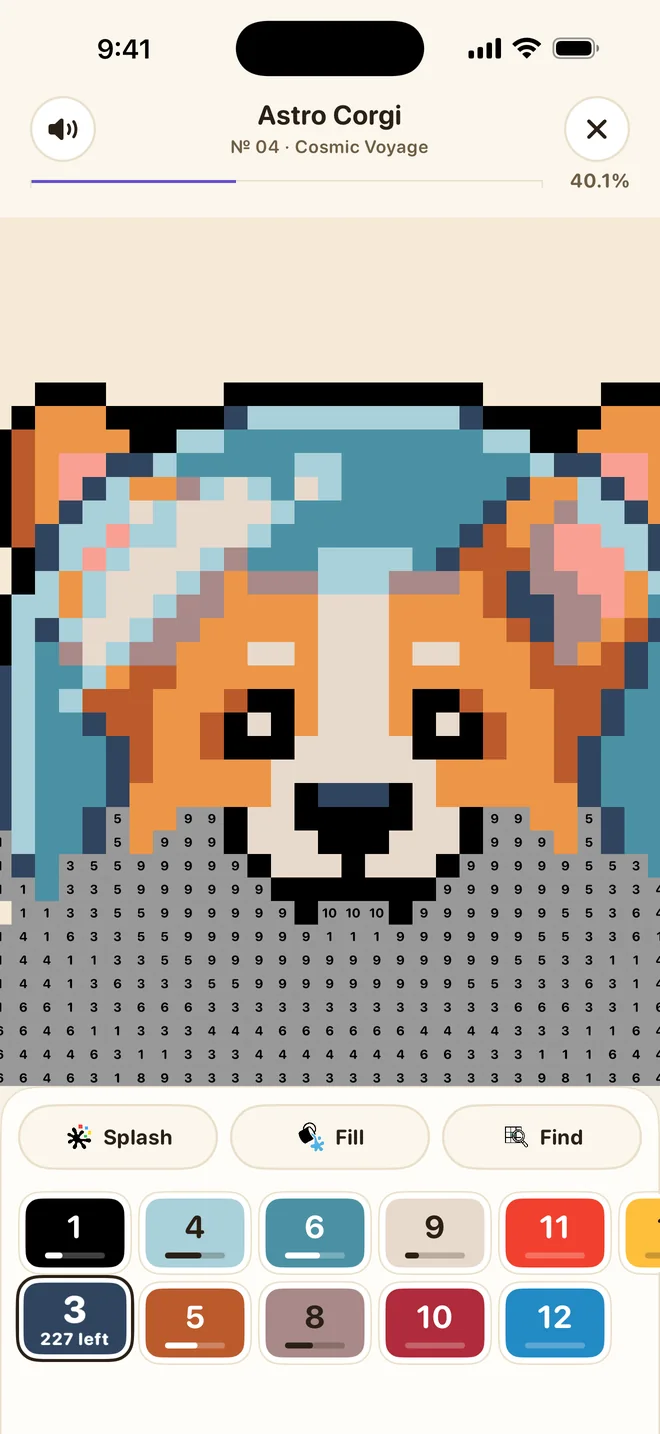
Pixel Art painting screen: an astronaut corgi half colored, grey numbered squares below, and a numbered color palette.
Color by number

Tap a number. Watch it come alive.

Every square shows a number. Pick it in the palette, fill its squares, and the grey picture turns into a scene full of color.

  • Pinch to zoom, drag to paint whole rows at once
  • Each number shows how many squares are left
  • Easy, medium and hard pictures, from tiny to grand
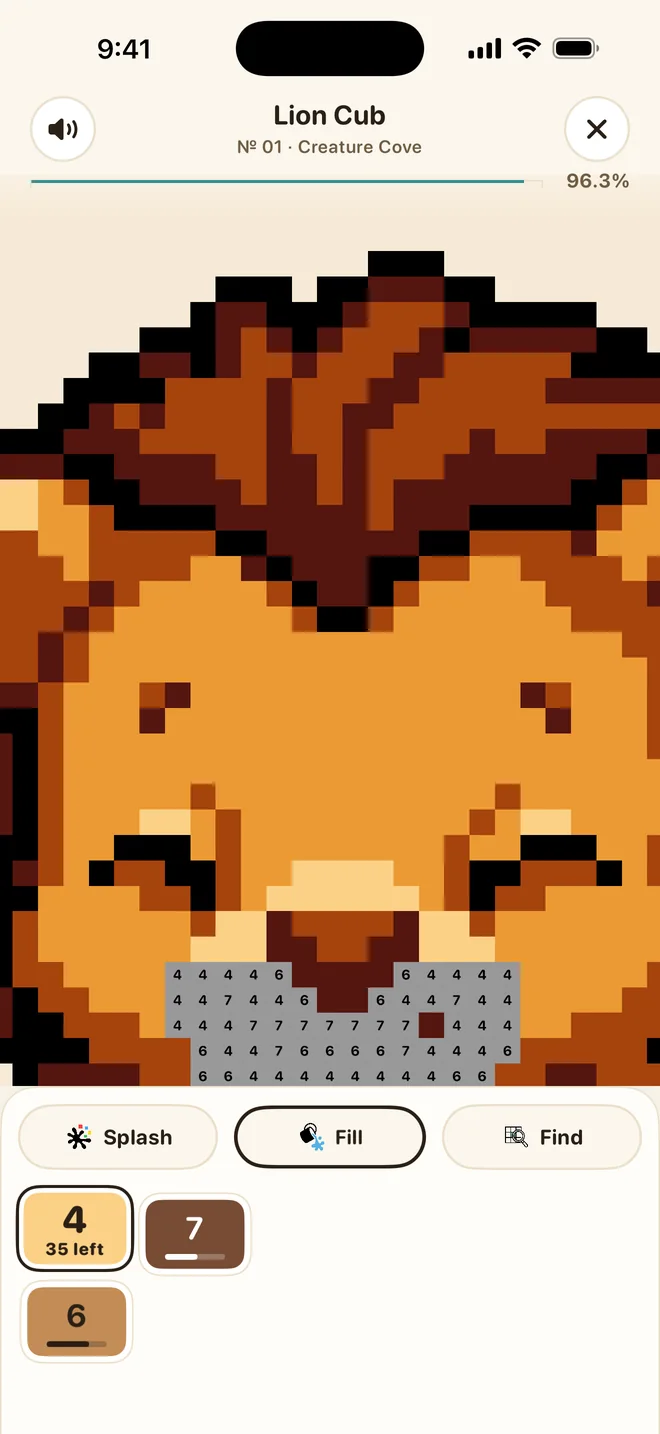
A lion cub picture with the Fill booster selected, flooding a whole area with one tap.
Boosters

Big areas? Fill them in one tap.

When a sky or a mane has hundreds of squares, let a booster do the heavy lifting, then go back to the fun details.

Fill a whole area Splash a patch Find the last squares
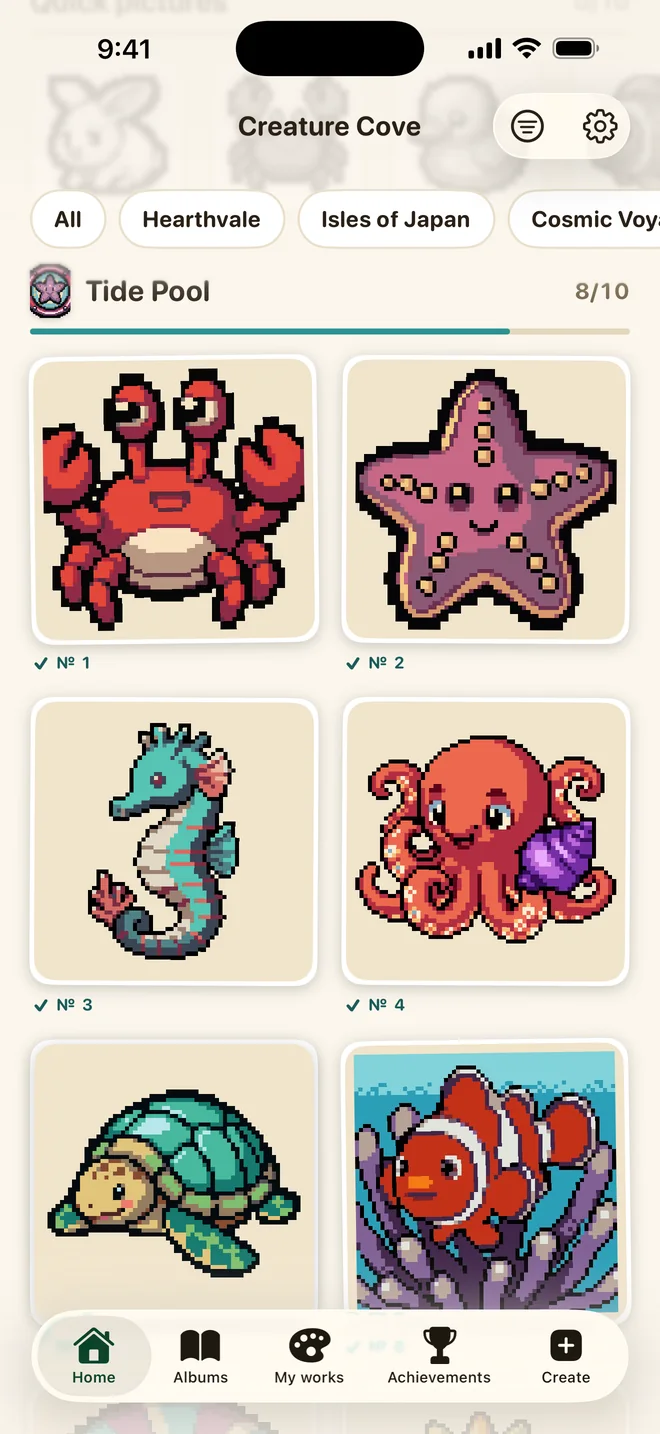
The Tide Pool sticker album with crab, starfish, seahorse, octopus, turtle and clownfish stickers.
Sticker albums

Every finished picture becomes a sticker.

Pictures belong to themed albums, from a tide pool to a ramen stand. Finish one and it's stuck into its slot. Fill the page, then start the next.

  • 750 album pictures across 14 worlds
  • Stars for every picture: 1 for easy, 2 for medium, 4 for hard
  • Spend stars to unlock premium pictures
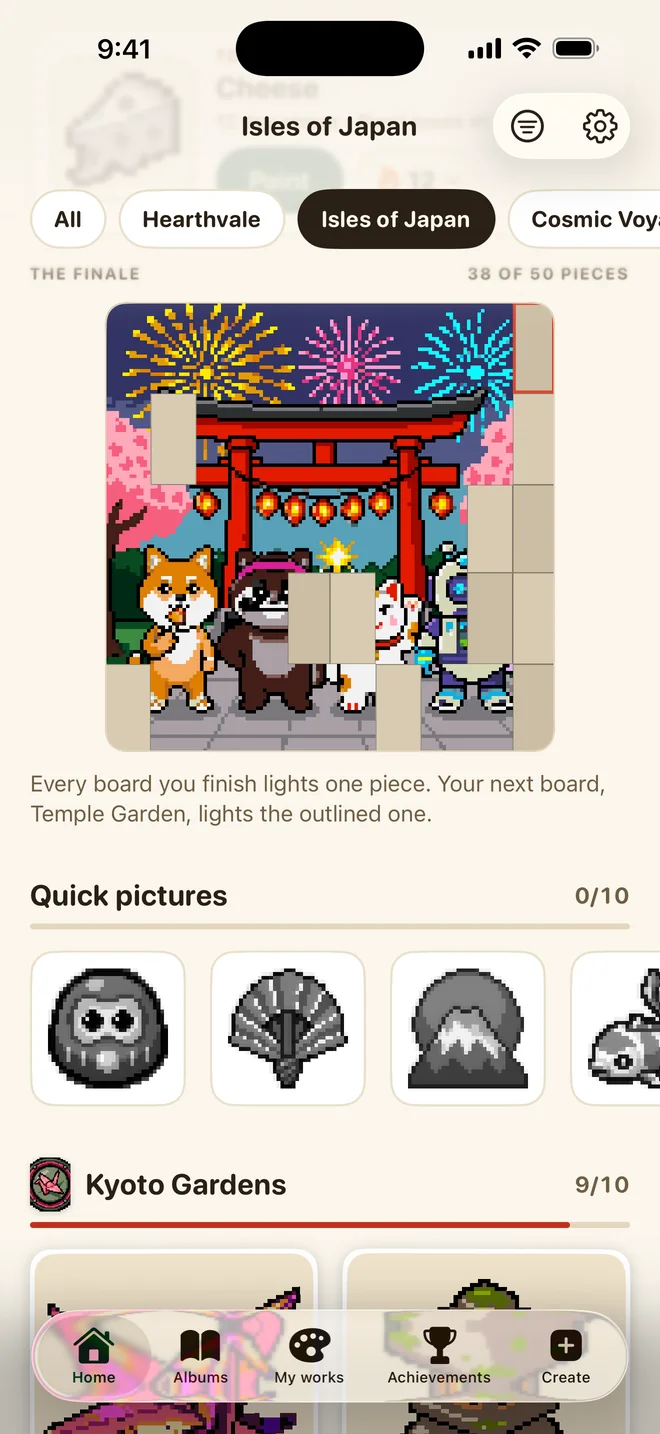
The Isles of Japan world page with its finale mural partly lit: a torii gate under fireworks.
World finales

Light up a whole world.

Each world ends in a big finale scene. Every picture you finish there lights up one more piece of it, until the whole mural glows.

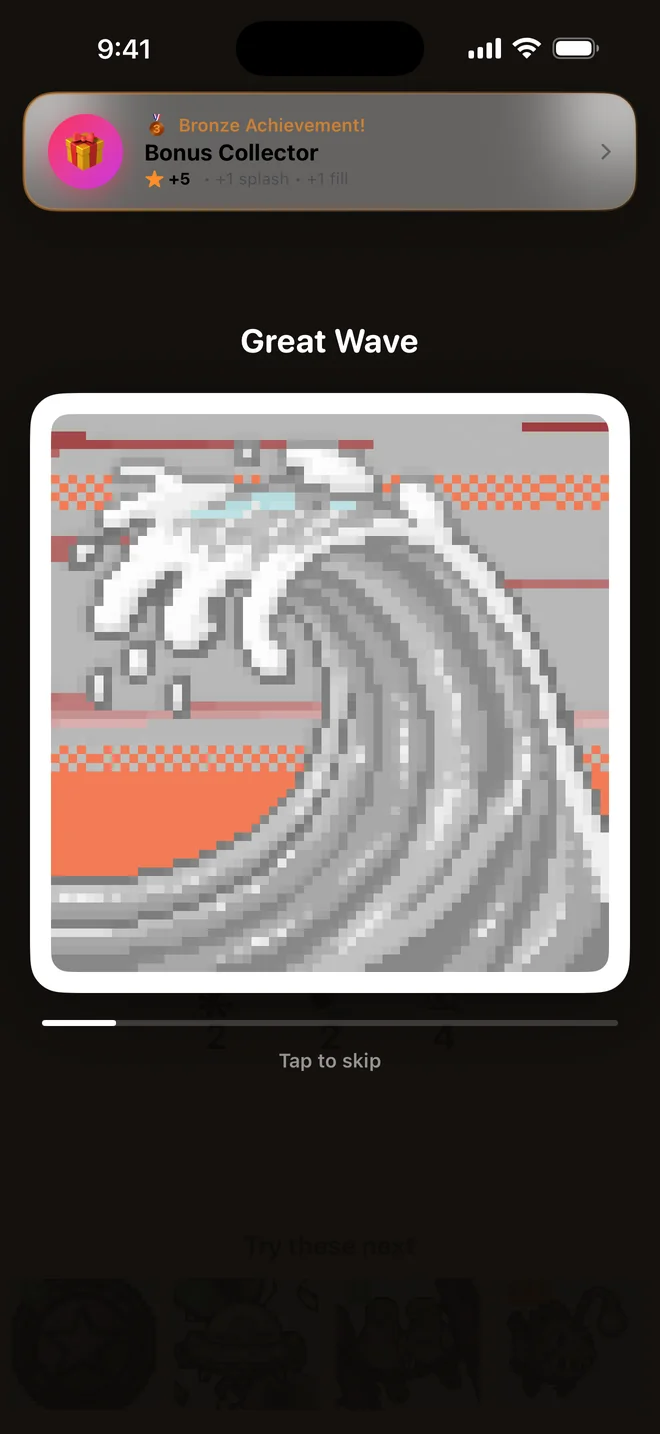
The replay theatre playing a time-lapse of The Great Wave being painted.
Replay

Watch it all over again.

When you finish, Pixel Art plays your picture back as a time-lapse, square by square. Save it or share it with a friend.

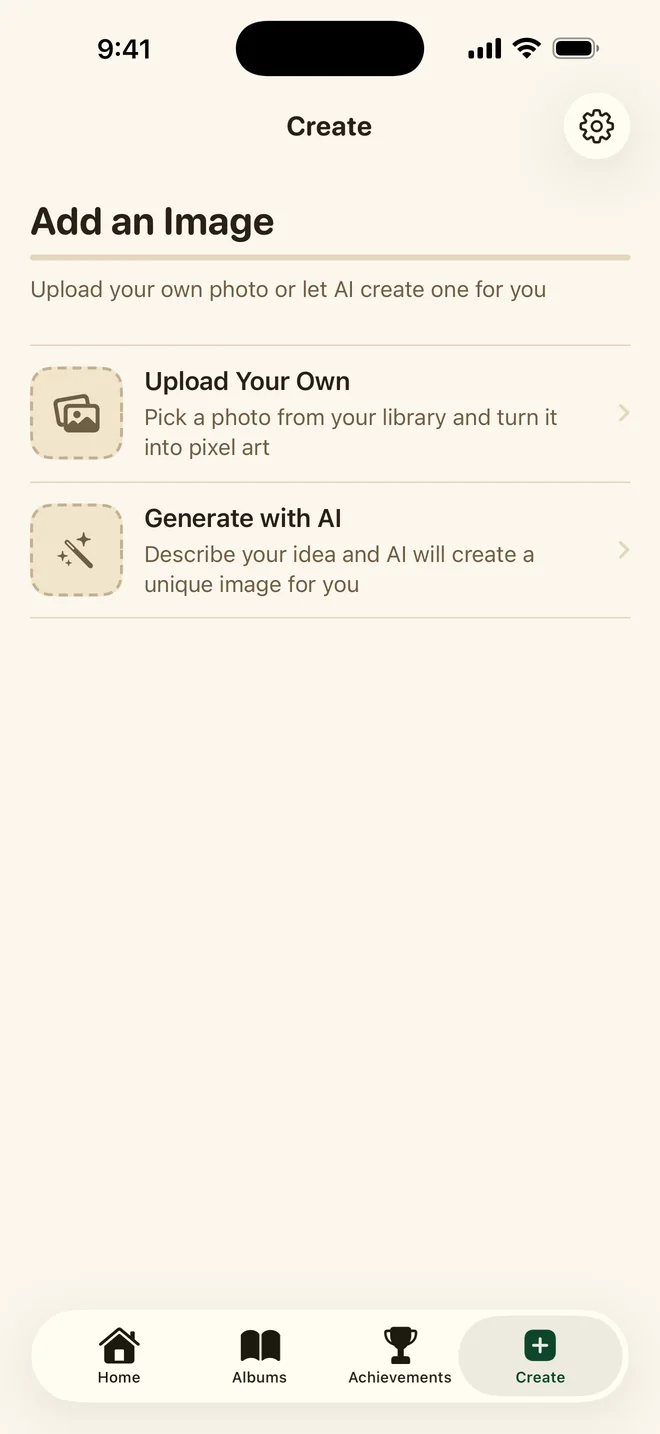
The Create screen with options to upload your own photo or generate an image with AI.
Create

Color your own pictures.

Turn a photo from your library into a pixel picture to color, or describe an idea and let AI draw one just for you.

A picture every day

Today's picture is waiting on the home screen. Paint it daily to grow your streak.

Quick pictures

140 small boards for a coffee break. Done in a few minutes, and just as satisfying.

Soft music, gentle taps

Calm background music for every world and light haptics as you paint. Turn either off anytime.

Works offline

Every picture lives in the app, so a flight or a quiet cabin is no problem.

No timers, no lives

Nothing runs out and nothing hurries you. Stop mid-picture and pick it up whenever you like.

iPhone and iPad

Designed for both, with roomy iPad layouts that make big pictures even better.

14 worlds

Where would you like to go today?

Each world has its own albums, its own music and a finale scene to light up. These are the finales, painted in the app.

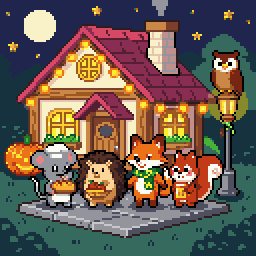
Hearthvale finale: a cozy bakery cottage at night with a mouse, hedgehog, fox and squirrel.
Hearthvale
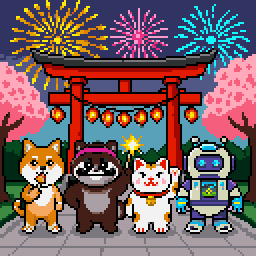
Isles of Japan finale: a torii gate under fireworks with a shiba, tanuki, lucky cat and robot.
Isles of Japan
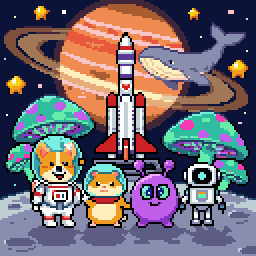
Cosmic Voyage finale: a rocket and four space explorers under a ringed planet.
Cosmic Voyage
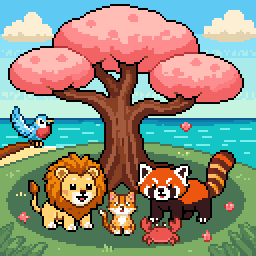
Creature Cove finale: animals gathered under a pink blossom tree by the sea.
Creature Cove
Amberwood Express finale: woodland travellers greeting a steam train at dusk.
Amberwood Express
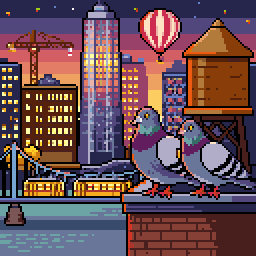
City Lights finale: pigeons on a rooftop above a sunset skyline.
City Lights
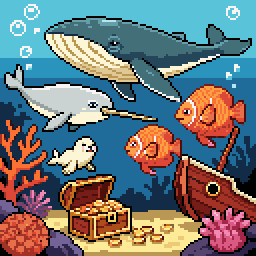
Deep Blue finale: a whale, narwhal, seal and fish over a sunken ship and treasure.
Deep Blue
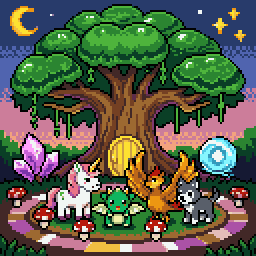
Faewilds finale: a unicorn foal, dragon hatchling and phoenix chick beneath the great Worldtree.
Faewilds
Frostfall finale: a festive fir tree, a sleigh full of gifts and polar hares in the snow.
Frostfall
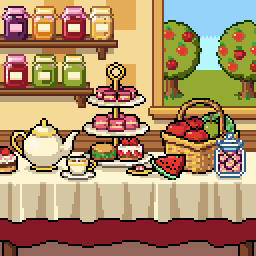
The Pantry finale: a tea party table with a cake stand, teapot and fruit basket.
The Pantry
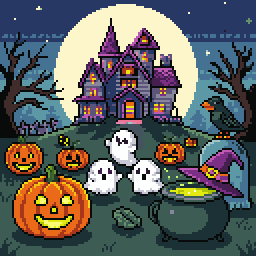
Spooky Hollow finale: friendly ghosts, a jack-o'-lantern and a haunted manor under a full moon.
Spooky Hollow
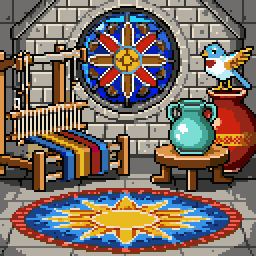
Studio Reverie finale: a rose window above a mosaic courtyard with a loom and pottery.
Studio Reverie
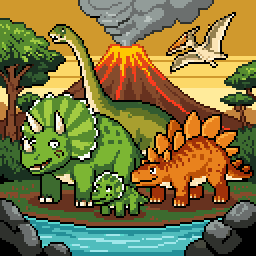
Terra Antiqua finale: friendly dinosaurs beside a volcano and a teal river.
Terra Antiqua
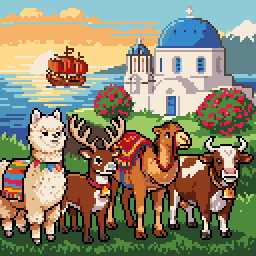
Wanderlust finale: an alpaca, reindeer, camel and cow on a hill above a blue-domed chapel.
Wanderlust
Free to start

Color for free. Go Premium for everything.

Hundreds of pictures are free. Earn stars as you paint to unlock more, or open the whole library at once.

Free

Pixel Art

  • Hundreds of free pictures in every world
  • A new picture every day
  • Stars for every finished picture to unlock premium ones
  • Sticker albums, finales and replays
  • Turn your own photos into pictures
Premium

Everything unlocked

  • Every picture in every world, right away
  • AI image generation for your own ideas
  • Unlimited Fill, Splash and Find boosters
  • No ads

Premium is an auto-renewable subscription with weekly, monthly and yearly plans, often with a free trial. Manage or cancel anytime in your Apple Account settings.

FAQ

Good questions.

Is Pixel Art free?

Yes. Pixel Art is free to download, with hundreds of free pictures and a new picture every day. Every finished picture earns stars (1 for easy, 2 for medium, 4 for hard), and stars unlock premium pictures. Premium is an optional subscription.

What does Premium include?

Premium unlocks every picture, AI image generation and unlimited Fill, Splash and Find boosters, and removes ads. It is an auto-renewable subscription with weekly, monthly and yearly plans, often with a free trial. You can manage or cancel it anytime in your Apple Account settings.

Does Pixel Art work offline?

Yes. Every picture is built into the app, so you can color on a plane or a train. Only AI image generation needs a connection.

Can I color my own pictures?

Yes. In the Create tab you can upload a photo from your library and turn it into a pixel picture to color, or describe an idea and let AI draw one for you. AI image generation is part of Premium.

Does Pixel Art work on iPad?

Yes. Pixel Art is made for both iPhone and iPad, with layouts designed for the bigger screen.

Is my progress saved?

Yes. Your progress is saved on your device as you paint, so you can stop in the middle of a picture and pick it up later.

How do I restore my Premium subscription?

Sign in with the same Apple Account, open Settings in Pixel Art and tap Restore purchases.
Support

Need a hand?

Found a bug, lost a purchase or have an idea for a picture? Write to us. Mention your device and iOS version and we'll get back to you.

itsart.developer@gmail.com

Your next calm moment is one square away.

Free on the App Store for iPhone and iPad.

Download on theApp Store